Commissioning digitized and seamlessly integrated with the ERP system
+10% improvement in delivery quality
50 minutes saved per week on searching and traceability
30 minutes saved per customer documentation
Every implementation starts with a clearly defined use case – one area, one machine, one process. After around eight weeks, the first real work order runs digitally: not in a test environment, but in manufacturing.





A clearly defined goal is set, achievable within eight weeks.
What do we want to achieve, and how? Which area should be digitized first? Together, we define a clearly scoped objective.
Users, permissions, and plant structure are in place; single sign-on is connected.
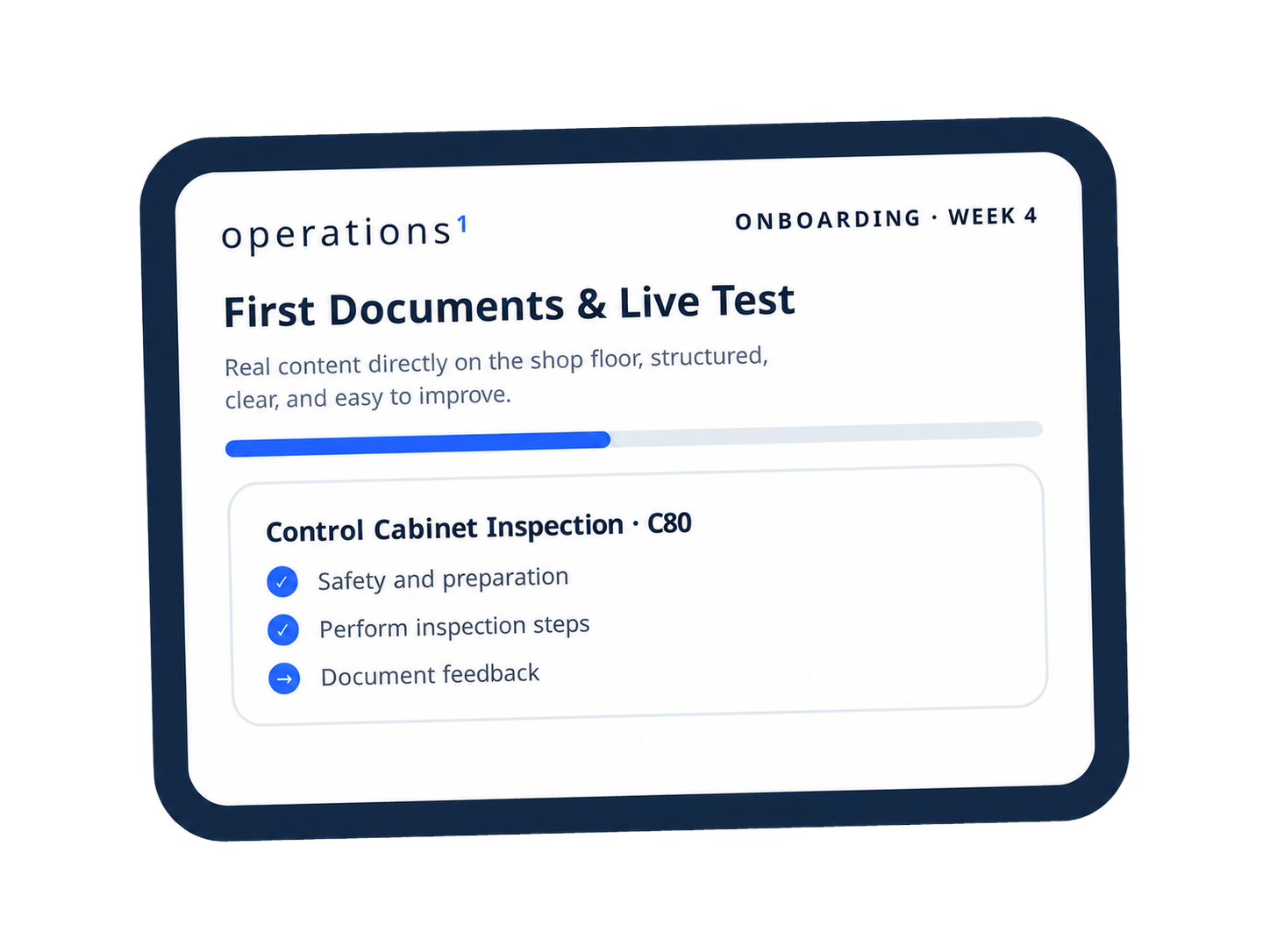
The first documents are in use on the shopfloor; user feedback is available.
The setup has been fine-tuned based on user feedback.
All users are onboarded; the use case is running in regular operation.
What shifts the timeline: A focused use case without system integration goes live in six to eight weeks. If ERP or MES integration, multiple sites, or high product variance are added, 12 to 14 weeks is a realistic timeframe.
After week 8, the implementation project is complete. Ongoing support is handled by the Customer Success team. The use case is gradually expanded by your key users.
Director of Business Services NA, TIME Manufacturing Company

The majority of the effort is not about the software – it is about your content: the more instructions need to be built from scratch, and the broader your starting scope across multiple use cases or sites, the higher the effort. Existing documents from PDF, Word, Excel, or PowerPoint are automatically converted into structured documents by the AI Document Automator, which you then refine from a subject-matter perspective.
Where exactly you stand will be clarified in the kickoff – that is also where a reliable effort estimate for your specific situation is developed.
A project sponsor for scope and completion
Key users from the specialist department
Existing documents for your first use case
One-time IT involvement for single sign-on

Platform setup and configuration
Guiding your key users to full independence
AI-supported migration of your existing documents
Support during the creation of the first documents
Full accompaniment through to the close of the implementation project
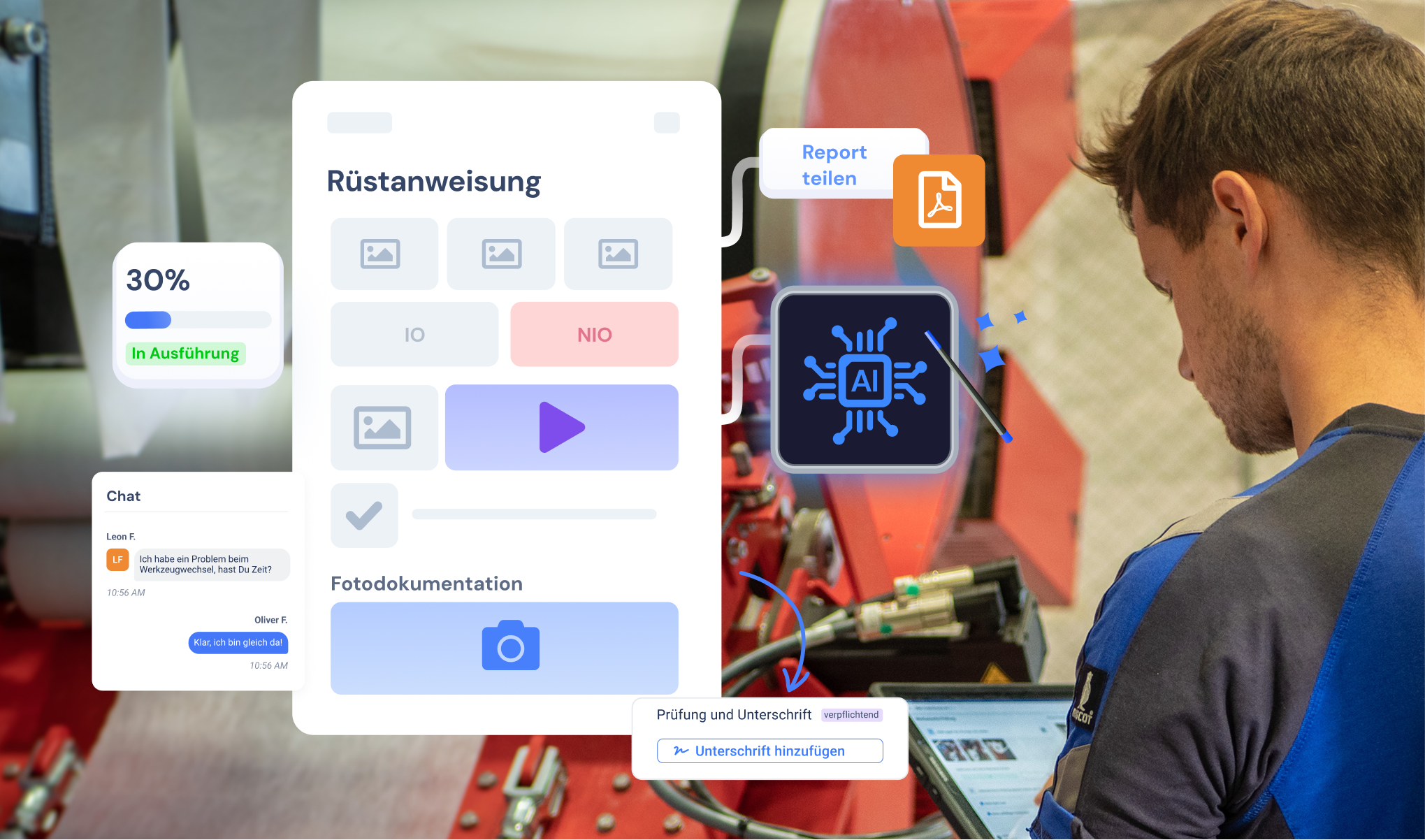
The first use case is the starting point. From there, Operations1 can grow with your organization.
Process by process: Start with a focused scope and then digitize additional areas and processes.
Plant by plant: Establish consistent standards across plants and shifts.
Scale with deeper integration: Connect ERP and MES systems via standard connectors and the Public REST API whenever this makes sense for your process.
Hosting: We operate the platform as SaaS in an EU-based Microsoft Azure data center certified according to DIN EN ISO 27001. You do not need your own cloud environment or servers.
SSO: Single sign-on via OAuth 2.0 or Microsoft Entra ID typically requires only a few hours of effort. For the first use case, this is usually the only task for your IT team.
Self-sufficiency: Your operational teams create and maintain instructions themselves, without requiring development resources. Approvals are managed through multi-stage review processes with timestamps and named approvers.
Integrations: ERP and MES integration is possible, but not a prerequisite.
Traceability: Every process execution generates a versioned report with a complete audit trail. Reopened processes are marked as revisions, including the reason and timestamp.
Thanks to the competent Operations1 team, we were able to implement the solution very quickly.
Global CIO, Zünd Systemtechnik
Scaling takes care of itself. Plants are lining up.
Head of Corporate Production, TRUMPF
Nobody wants to use a tool where you constantly have to go through IT.
Senior Digital Consultant, Heraeus Consulting & IT Solutions
The target timeframe to productive use of the first use case is eight weeks. For straightforward starting conditions, six weeks are possible; for integration into leading systems or complex use cases, 12–14 weeks.
Yes, and it is often the better time to start. Operations1 does not draw on ERP resources because the initial setup works without integration. Processes that are cleanly digitized before the ERP go-live are significantly easier to connect later than paper and PDF-based content. We define the concrete starting scope in the kickoff.
Five phases over eight weeks: kickoff with goal-setting and definition of the first use case, platform setup including users, permissions, and plant structure, creation of the first documents followed by a live test on the shopfloor, refinement based on user feedback, and a closing review with go-live. You will find the detailed process further up on this page.
The rhythm is a weekly standing meeting with your core team and your Customer Success Manager. In addition, there are fixed milestones: kickoff, an interim review after the live test, and the closing review. The project sponsor should be present at the kickoff, interim review, and closing review.
The majority runs virtually, which is sufficient for setup, training, and reviews. On-site is useful when the process itself needs to be captured, for example during a complex as-is analysis. At Zünd Systemtechnik, the Operations1 team captured the as-is processes on-site and developed the to-be process together with the specialist department. What your situation requires will be decided in the kickoff.
As many as necessary, as few as possible. There is no fixed number, as it depends on the scope of the first use case. What matters most is the selection: key users should have solid process expertise and be respected within their area, because they will maintain the content themselves after go-live and drive adoption on the shopfloor. In addition, a project sponsor is needed to take ownership of scope and completion. Who specifically to assign will be determined in the kickoff based on the starting scope.
Plan for 2 to 5 working days per key user, spread across the eight weeks. That corresponds to roughly 15 to 40 hours. For a key user taking on all tasks, the effort breaks down as follows:
Around 10 hours building and revising documents, using the AI Document Automator
Around 8 hours preparing for and attending the weekly standing meetings
Around 10 hours of testing on the shopfloor
Around 10 hours of internal alignment and change management in manufacturing
In practice, rarely does one person take on all four areas. Some key users work intensively on the documents, others not at all and instead focus on building buy-in in manufacturing. That is where the range comes from. How large the document share turns out to be depends primarily on your existing work instructions: how complex they are, how consistent their format is, and how up to date they are.
This breakdown refers to a typical starting scope of around 20 documents in a clearly defined manufacturing area, such as the pre-assembly of one product family. The project sponsor is involved at key milestones only: kickoff, interim review, and closing review. Your IT team has no further involvement after single sign-on is set up. A reliable estimate for your specific situation will be developed in the kickoff.
Small enough to go fully live within eight weeks, and relevant enough to matter internally. A proven approach is to focus on one area, one machine, or one process. Quantum Systems started with assembly instructions, ABB Motion with quality inspections. A scope that is too broad extends the timeline without increasing the value of the outcome.
No, subject-matter responsibility stays with you, and that is intentional: your key users need to be able to develop the content independently after go-live. We handle setup and configuration, training, AI-supported migration of your existing documents via the AI Document Automator, and guidance during the creation of the first documents.
At the start, typically the setup of single sign-on. Integrations with ERP or MES systems are possible but are not a prerequisite for the first use case.
For the first use case, they are selectively migrated and structured in a modular format, not copied one-to-one. Many companies use this moment to sharpen content from a subject-matter perspective.
No. Instructions are created by your subject-matter experts, without any programming.
Intuitive usability and early involvement of end users support adoption. Feedback from the live test flows directly into the further development of the content.
Operations1 documents process execution, not individual performance. Reports can be configured so that no individual performance evaluation is possible. Experience shows that early involvement of the works council is the faster path. We provide the necessary documentation for this.
Your specialist departments. After onboarding, your key users are able to create, edit, and approve documents independently. Thanks to modular documents, a change to one module automatically takes effect in all instructions that use it.
All content, versions, and approvals are stored centrally in the platform, not with any individual. New key users can onboard themselves using the existing documents. That is precisely the core of the knowledge retention use case.
Once implementation and onboarding are complete, the Customer Success team takes over ongoing support.
No. One plant, one process, then scale. The first use case creates the structure and content that additional sites can build on. Moving to the second plant is, in practice, significantly faster than the initial setup.
Learn from our experts how market leaders are already maximizing their productivity with Operations1.

Guided tour of the software
Answers for your individual use-cases
Free of charge and non-binding